
Every service becomes a priced charge
Consultations, tests, scans, drugs, operations and bed-days are captured as charges by the department that performs them. The price comes from the payer's price list and coverage rules, the patient share and the payer share are split at capture time, and fixed-price packages, interim bills and final inpatient bills are built from the same charges. Documents are never edited after issue; corrections are cancellations and credit notes with their own journal entries.
A cashier built for hospital front desks
- Split tender over seven payment methods recorded at the cashier, including cash, card, InstaPay, mobile wallets and Fawry; online payment in the patient app goes through Paymob.
- Deposits on admission, refunds and applying a deposit to the final bill.
- Cash shifts per cashier with X and Z reports.
- Receipts on 80 mm printers and bilingual A4 invoices.
Pre-authorisations that do not get lost
Each approval request keeps a full history: when it was sent, through which channel (printed form, prepared e-mail, payer portal, WhatsApp or phone), what the payer answered, the approval code and, where the payer sends one, the verification code. Validity follows the payer’s answer or its default validity period, and approved amounts are tracked against the charges that use them. Rejected or partially approved requests can be resubmitted or appealed; approved ones extended.
A facility setting decides how strict Nabd is: warn only, or block an order without a valid approval. Emergency visits and bed-days are never blocked, and authorised users can grant an audited, time-limited override with a written reason.
Eligibility and coverage warnings
Eligibility checks, whether typed in by staff after a call or a portal check, or returned by an electronic connector, are recorded with plan, co-payment and limits, and the last check shows on the patient’s insurance tab. Expired or not-yet-started coverage raises a warning on price quotes and charges.
Claims, rejections and resubmission
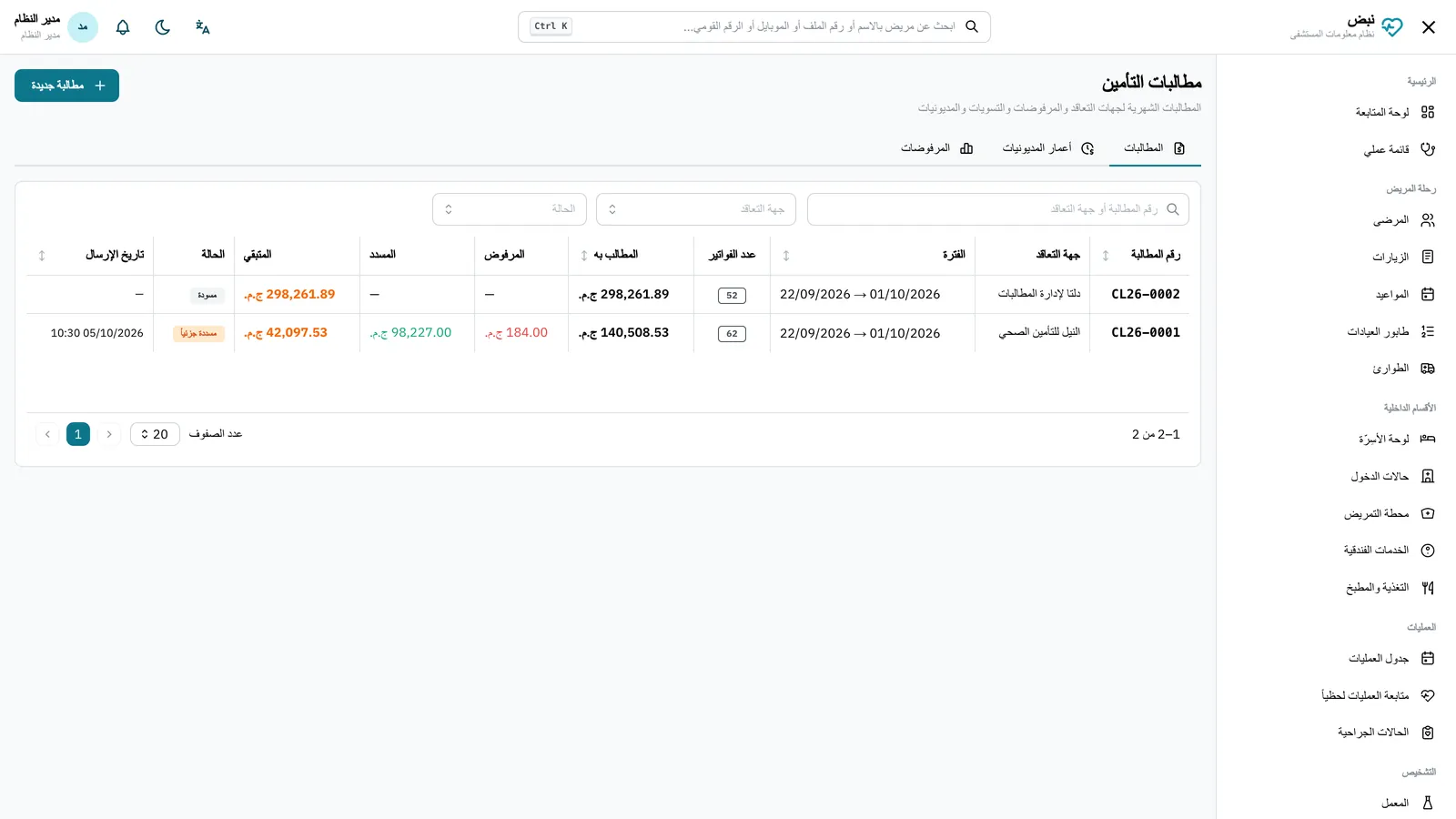
Each claim can be downloaded in the payer’s own column layout (CSV or Excel, with its headers and date format), as plain CSV or Excel, as a FHIR R4 Claim bundle or as Shafafiya Claim.Submission XML. Rejections are recorded per line with codes from a catalogue of common reasons (medical necessity, eligibility, authorisation, documentation, coding, pricing and more). Rejected lines can be resubmitted with a justification; amounts the payer accepts reverse the write-off and reopen the invoice balance. Receivables aging and rejection reports per code show where revenue leaks. More in insurance approvals and claim rejections.
Connecting with payers: the honest status
Nabd is integration-ready; live connectors are connected per payer after an agreement with that payer.
| Channel | Status today |
|---|---|
| Document channels (print, e-mail, portal, WhatsApp, phone) | Live, every exchange logged |
| FHIR R4 connector (eligibility, approvals, claims) | Built and tested against a test payer; enabled per payer once its endpoint and credentials are set; not certified against NPHIES or any national profile |
| Shafafiya / eClaimLink (UAE) | XML file export only, no live calls |
| MedNet, GlobeMed, NEXtCARE | Prepared connectors marked "requires agreement" until a signed agreement, specification and test credentials exist |
Doctor fees and e-invoicing
Doctor fees follow percentage or fixed rules, accrue automatically when services are billed, and are paid out with withholding tax and Form 41 data. For Egyptian hospitals, Nabd produces ETA e-invoice and e-receipt documents and a submission queue; the live connection is configured with each hospital’s own ETA credentials. See e-invoicing for Egyptian hospitals.